I need a document notarized
For individuals who need documents notarized securely and conveniently.
Digital. Secure. trusted.
Connect with a Supreme Court–accredited Electronic Notary Public (ENP) through secure online or in-person electronic notarization, anywhere in the Philippines.
Calling all Philippine lawyers! Applications for Electronic Notary Public (ENP) commissions are now open through the Supreme Court's Electronic Notary Services. Complete the requirements, assessment, and virtual summary hearing to qualify for a two-year Electronic Notary Commission.
Ready to go digital? Apply and become an Electronic Notary Public.
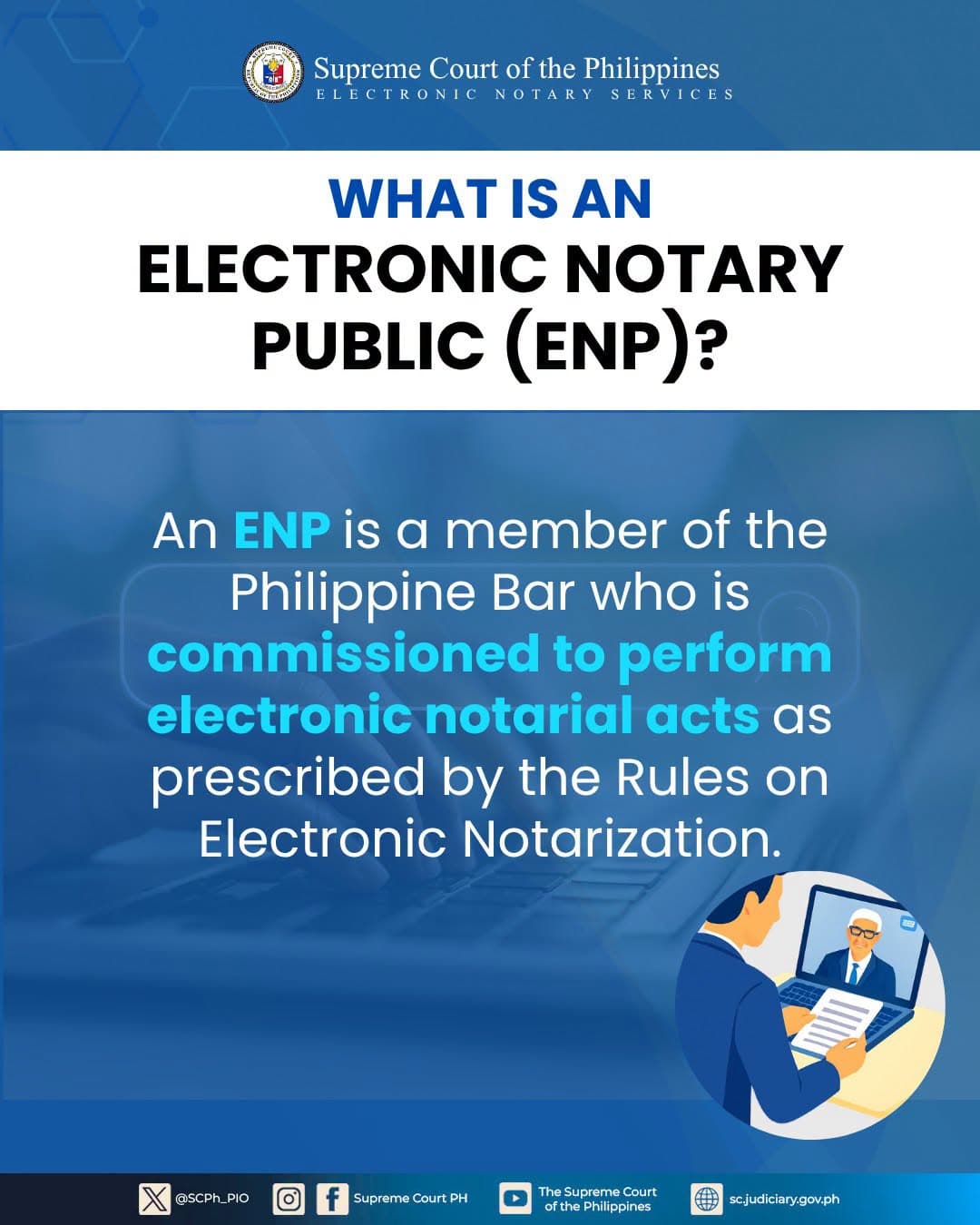
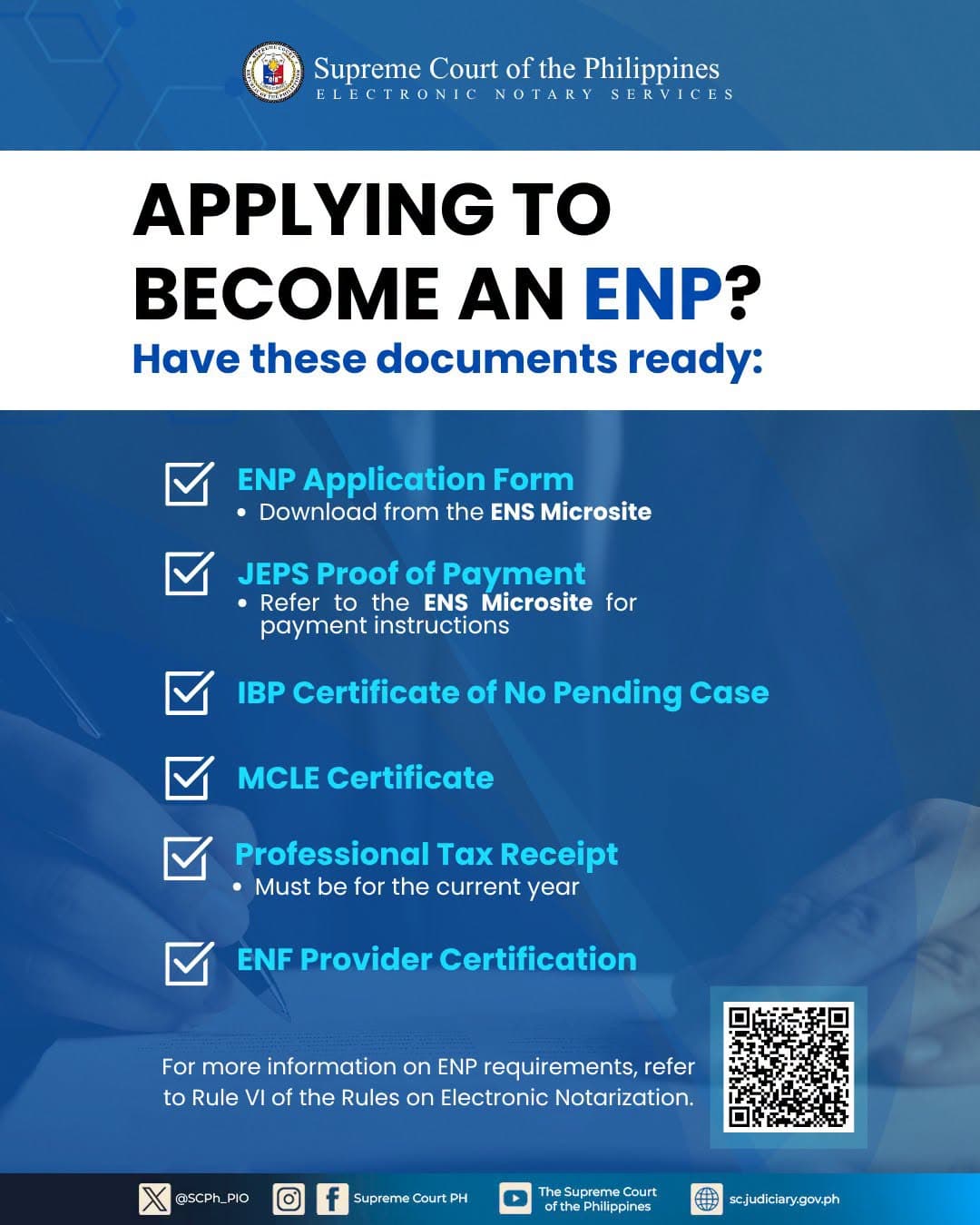
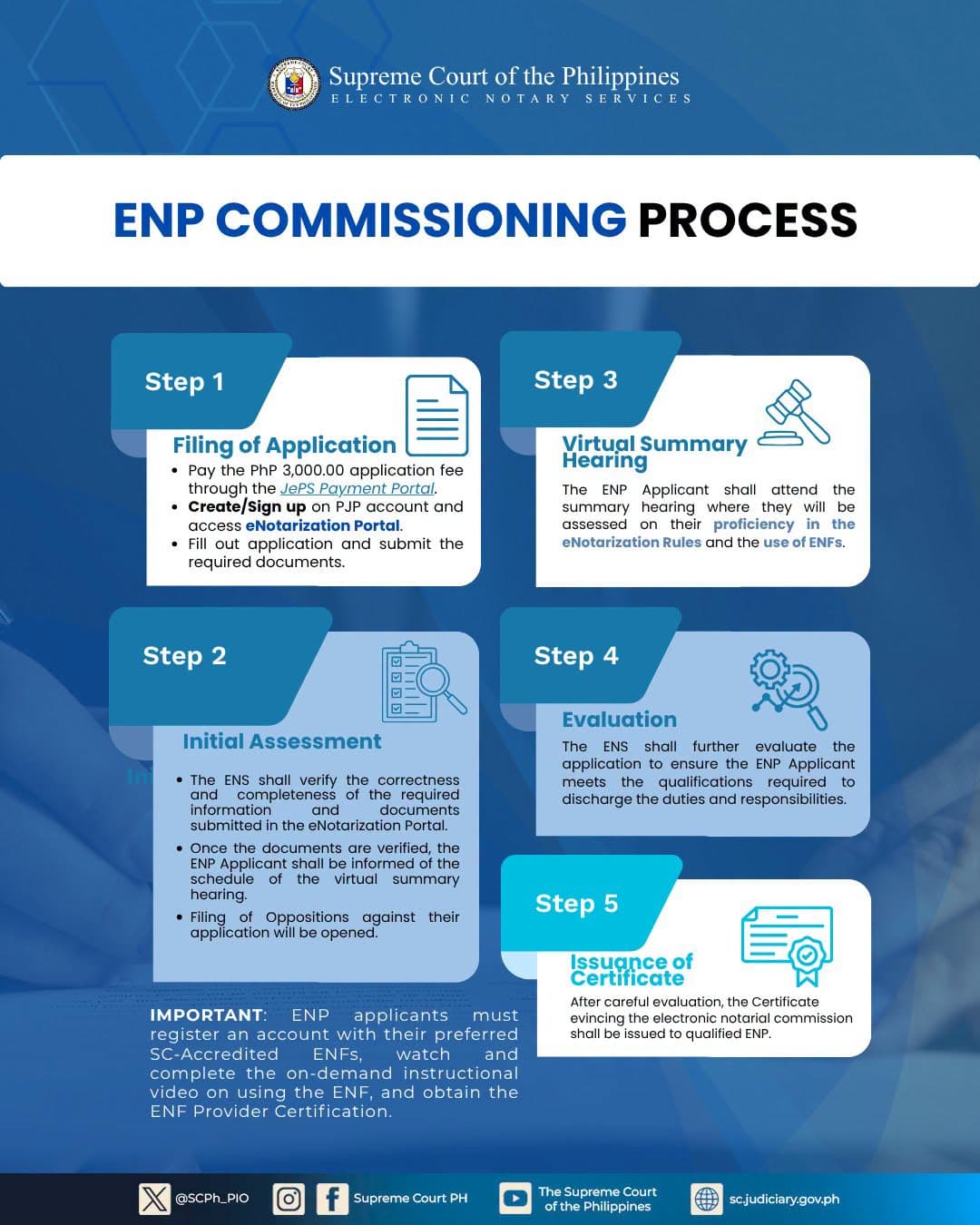
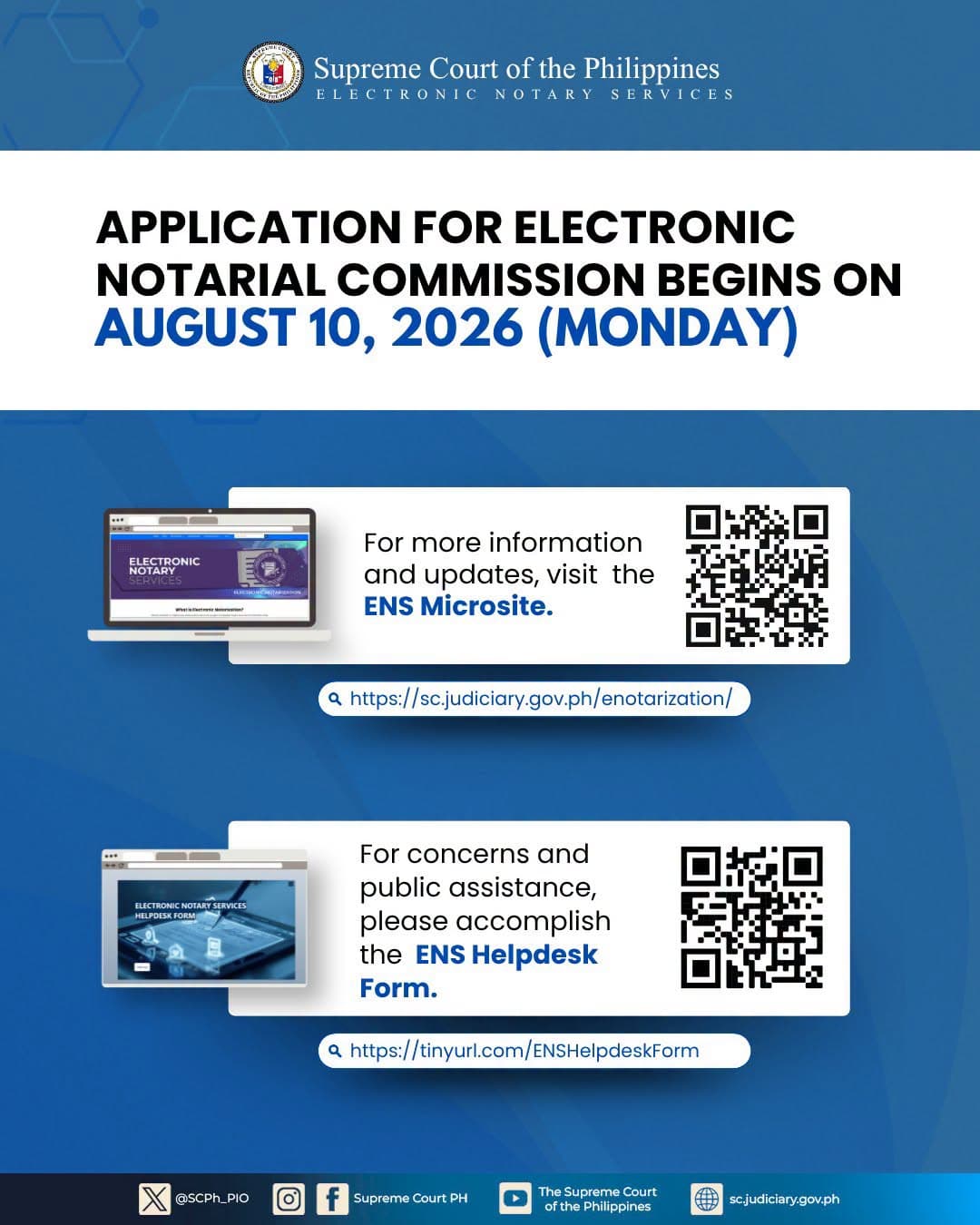
Use the arrows or swipe to view all four official graphics.
Still have questions? Our team can walk you through enrollment and fees.
Choose your path and get started.
For individuals who need documents notarized securely and conveniently.
Take your notarial practice online and connect with clients through NotarioPH by QLegal.
A secure, scalable electronic notarization solution for organizations and high-volume transactions.
Choose a common document type to start electronic notarization with a verified ENP, or continue to booking for the full list of notarial services.
Create an account, provide the required information, and upload your document.
Complete identity verification and meet with a commissioned ENP via secure video or in person.
Electronically sign, have your document notarized, and receive a copy with a digital seal and verification.
For Businesses
From individual documents to high-volume transactions, NotarioPH by QLegal gives organizations a secure digital way to manage notarization.
High-volume Transactions
Team Workflows
Secure and Compliant
Enterprise Integration

Simpler.
Processes.
Greater Possibilities.
Both options use Supreme Court–aligned electronic notarization workflows on NotarioPH by QLegal.
Notarize from anywhere in the Philippines.
Visit an accredited ENP or partner office.
NotarioPH by QLegal connects the people who need notarization with the ENPs and institutions that deliver it under one secure, Supreme Court–aligned platform.
Individuals and families

Trusted Digital Notarization Platform
Commissioned and verified professionals
A more connected legal ecosystem
Notarial fees are set in accordance with Supreme Court rules. You can view an estimate before you start.
See Estimated FeesSave time. Reduce travel costs. Get the same legal validity with the convenience of a digital experience.
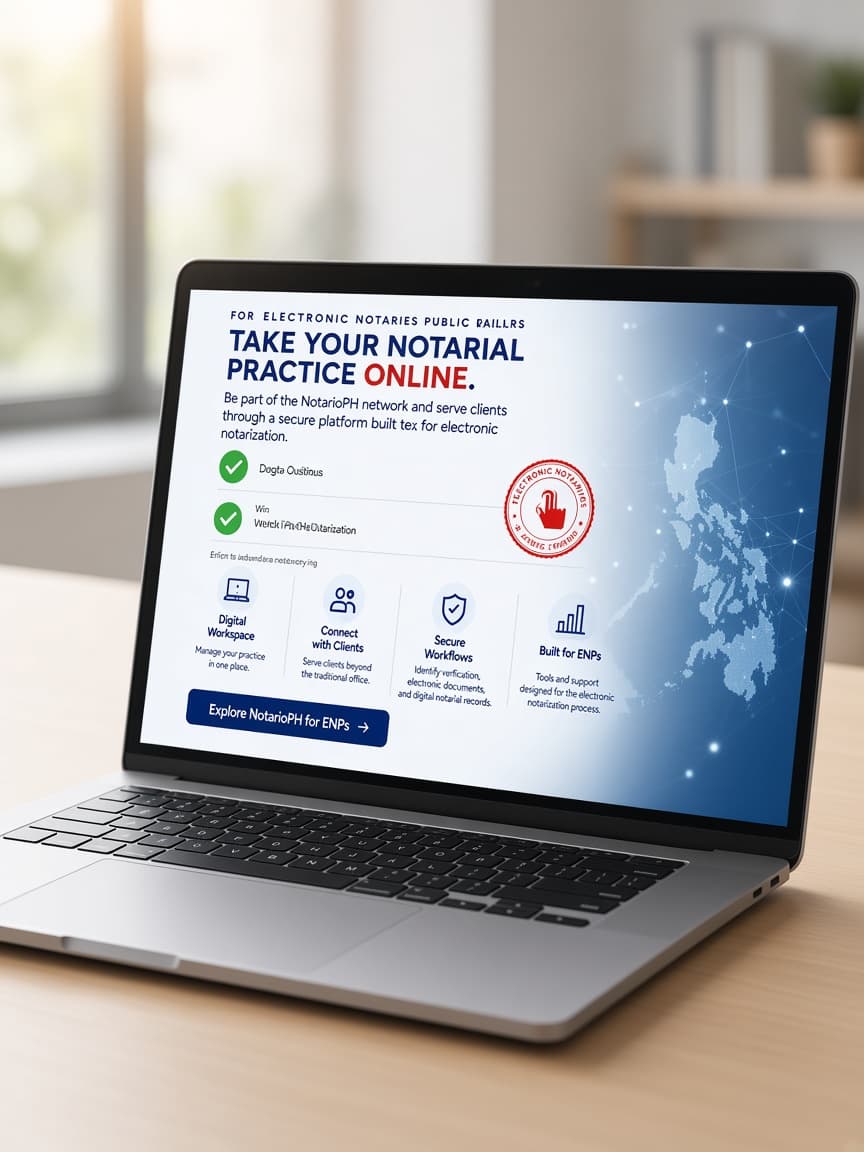
For Electronic Notaries Public & Lawyers
Be part of the NotarioPH by QLegal network and serve clients through a secure platform built for electronic notarization.
Manage your practice in one place.
Serve clients beyond the traditional office.
Identity verification, electronic documents and digital notarial records.
Tools and support designed for the electronic notarization process.
Secure.
Efficient.
Future-ready.